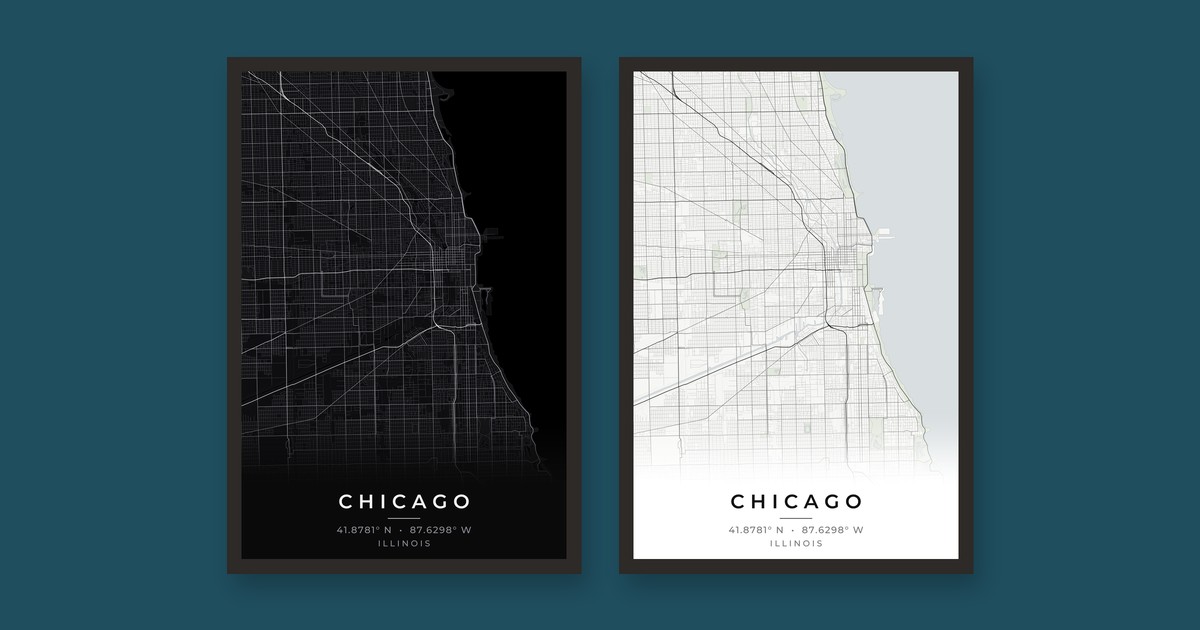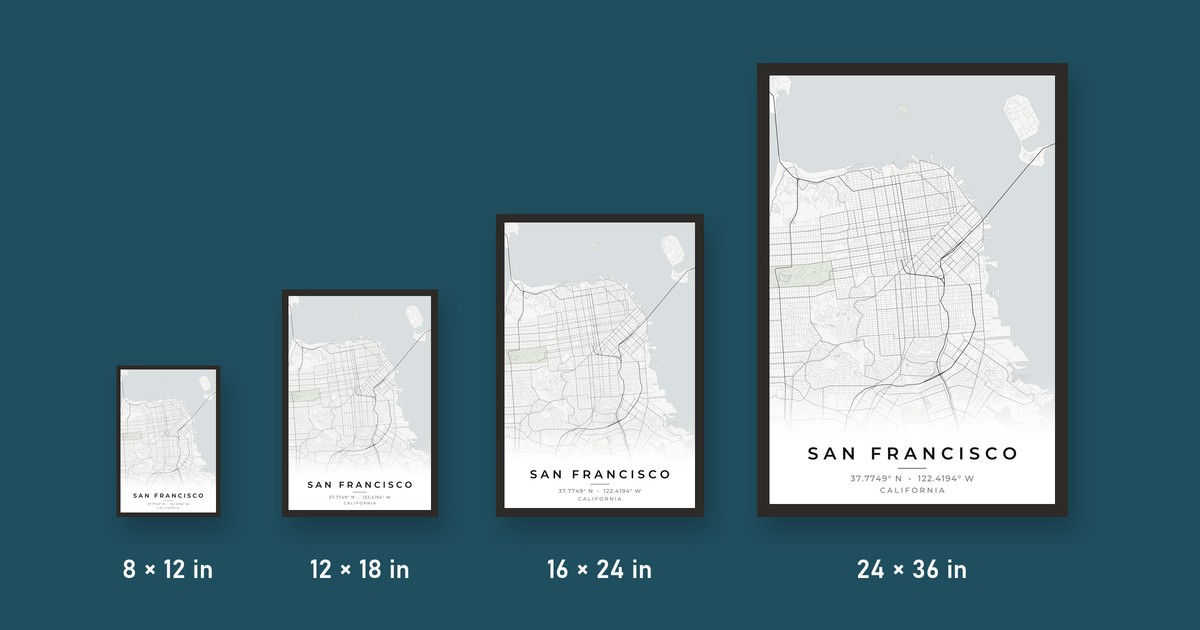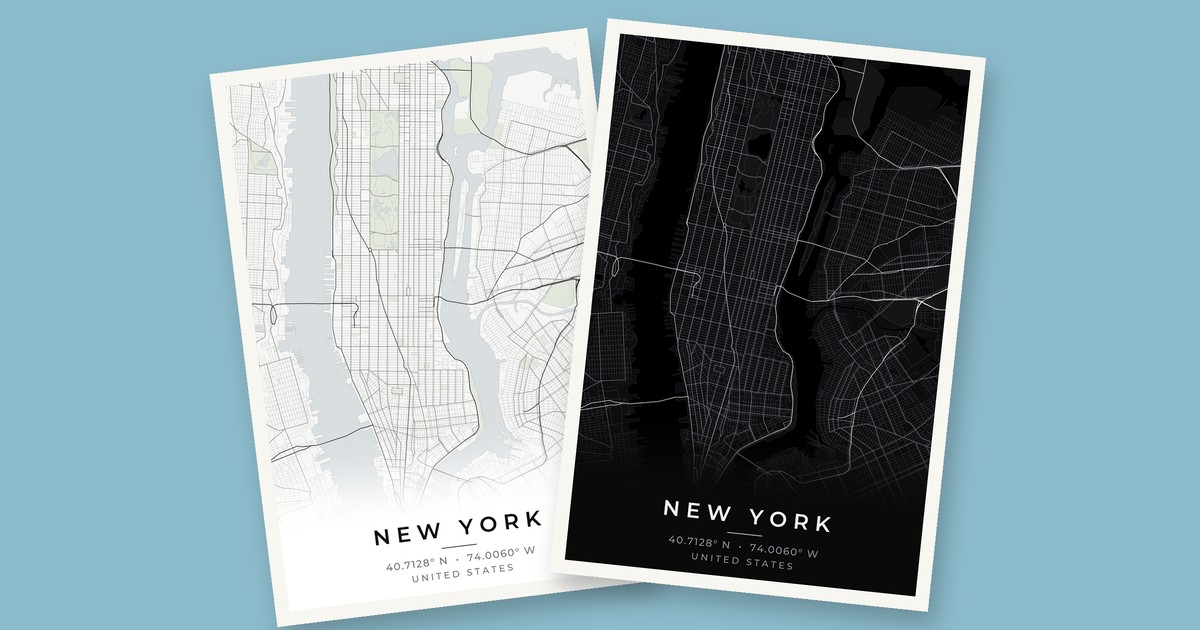
When you print a map poster, you are asking a machine to hold hundreds of hair-thin streets apart on paper. Get the file, the paper and two settings right and it looks like it came from a studio. Miss one and the lines turn soft or the edges disappear. Here is how to get it right the first time.
Step one: choose the right file
Download the ZIP on a computer and unzip it. Print-resolution files are large, and a computer handles them far better than a phone.
Each city comes as four separate files, one for each size. Start from the frame you own or plan to buy.
| Your frame | File to print |
|---|---|
| 8 × 12 in or 20 × 30 cm | 8 × 12 |
| 12 × 18 in or 30 × 45 cm | 12 × 18 |
| 16 × 24 in or 40 × 60 cm | 16 × 24 |
| 20 × 30 in | 24 × 36, printed smaller |
| 24 × 36 in or 60 × 90 cm | 24 × 36 |
Send the original file. Messaging apps and screenshots shrink images, and the damage only shows once it is on paper.
Home printer or print shop
| Question | Home printer | Print shop |
|---|---|---|
| Largest size | Limited by the machine | Usually 24 × 36 in or more |
| Paper choice | What your printer accepts | Wider range |
| A dark design | Uses a lot of ink | Fixed price |
| If it goes wrong | Redo it at once | Ask for a proof first |
A simple rule works for most people: small prints at home, large and dark prints at a shop.
Printing at home
Check your printer's largest paper size first. US Letter and A4 are both too small for an 8 × 12 inch print at full size. You can scale it down with a margin, or use a printer that takes 11 × 17 inch or A3 paper and trim afterward.
- Load matte photo paper, or heavy matte paper that your printer supports.
- In the print dialog, select that exact paper type and size.
- Choose the highest quality setting.
- Print at 100% or "actual size". Turn off "fill page", which crops edges.
- Let the sheet dry flat before touching or framing it.
The color settings that matter
Let one program manage color, either the application or the printer driver, never both. The files carry an sRGB profile, which common software reads correctly.
Then switch off anything called "vivid", "auto enhance" or "photo fix". Those tools are built for snapshots and can flatten fine gray streets into mush.
Using a print shop
Bring or send the file for your size and say exactly what you want. This message does the job:
Change the size to match your order. Then ask four quick questions:
- Do you print on the exact size, or trim from a larger sheet?
- Which matte papers do you have?
- Can I see a small proof for a dark design?
- Will large prints be rolled in a tube?
If the shop shows a preview of the crop, check all four edges and the lettering under the map before you approve it.
Paper: where quality is won
| Paper | Result | Choose it when |
|---|---|---|
| Matte, 170 to 250 gsm | Crisp lines, no glare | Almost always |
| Fine art matte | Soft, rich surface | The print is a centerpiece |
| Satin | Deeper blacks, some sheen | Noir Black in controlled light |
| Gloss | Strong contrast, strong glare | Rarely for maps |
| Plain office paper | Gray blacks, fuzzy lines | Only for a size test |
Noir Black covers most of the sheet with ink, so it benefits most from coated paper.
Run a small test
Before a large print, spend one small sheet. Print the 8 × 12 inch file, or one corner of the larger file at 100%, on the final paper. Look for:
- thin streets that stay separate;
- clear lettering and coordinates;
- even dark areas without stripes;
- pale water that has not vanished.
If it passes, print the full size with identical settings and write them down. You will thank yourself at the second city.
Printing more than one city
If you are printing a set, treat it as one job. Use the same paper, from the same pack, on the same machine and on the same day. Whites and blacks vary between paper batches, and the difference shows when two prints hang side by side.
Name your copies clearly before sending them to a shop, for example by city and size, and write the quantity next to each. Ask the shop to check one print against the next before they cut and roll them. When they arrive, lay the whole set on a table in daylight before you frame any of them.
Fixing what went wrong
| What you see | Likely cause | Fix |
|---|---|---|
| Soft or blurry lines | Wrong file, or a shrunk copy | Print the original at its own size |
| Dull blacks | Paper setting does not match paper | Select the correct paper type |
| Horizontal stripes | Blocked nozzles | Run a nozzle check and cleaning |
| Edges cut off | Borderless or "fill" mode | Print at actual size |
| Color cast | Two programs managing color | Leave it to only one |
| Smudges | Handled too soon | Dry for several hours |
Dry, flatten and protect
Leave the print face up, away from sun and radiators. A mostly dark sheet is safer left overnight. If it curls, rest it under clean paper and a few flat books for a day.
Have large prints rolled in a tube and never folded. Hold them by the edges, because fingerprints show clearly on matte black.
Then look at it in daylight. Fine streets crisp, flat areas even, four margins as expected: it is ready to frame.
What you may print
The Personal license covers prints for your own home or workspace, as often as you need for yourself. Business spaces, client work and marketing need the Commercial license. Selling or sharing the files is not allowed under either. The license terms say it in plain words.
Common questions
Can I print one size file at another size?
Shrinking works well, because the shape stays 2:3 and the detail only gets finer. Enlarging a small file spreads its pixels and softens thin streets, so use the larger file.
Should I choose borderless printing?
Borderless modes usually enlarge the image and cut the edges. Print with a margin and trim, unless you have tested that nothing important is lost.
What does it cost to print?
Prices differ widely by shop, size and paper. Ask for a quote with the exact size and paper, and compare it with the ink a home printer would use for a dark sheet.
From file to wall
That is the whole process: right file, matte paper, actual size, no automatic fixes. If you do not have your files yet, the map poster packs include 25 cities with all four sizes, delivered as an instant download. Then match your print to its frame size and enjoy it.